
The Productivity Stack I've Spent Years Building
(and What I'd Cut First)
I drafted this post while holding my 11-month-old. I didn't type a word of it, I talked, because typing wasn't an option and waiting for a quiet moment could be five minutes or five business days.
If you're anything like me, you want to download every latest productivity platform or tool to help you get clearer, more focused, more organized, more productive. In the midst of striving to find the perfect tool that will make me work at my most efficient, I've realized it's less about what the platform is and more about what problem it actually solves.
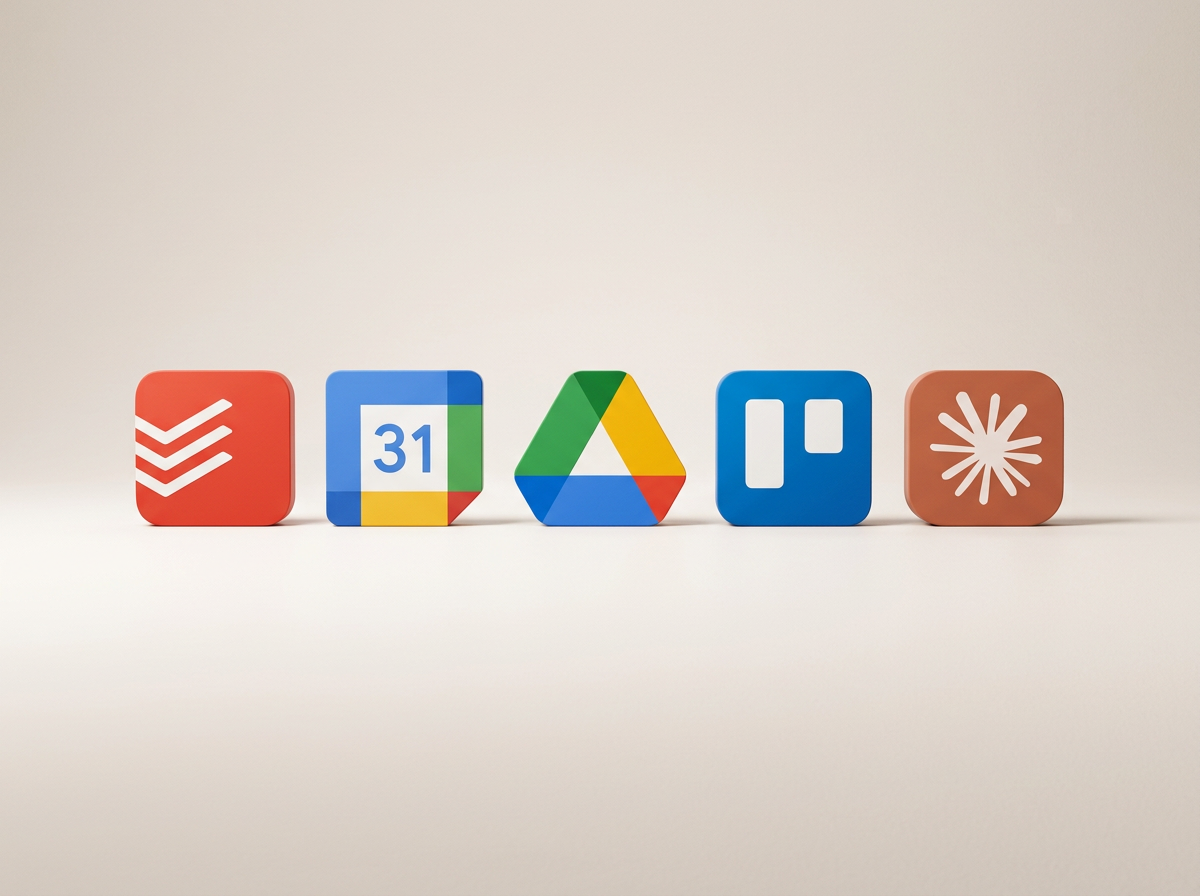
Now that I’ve sort-of figured this out, I have a system that works. I have a total of five tools that run my day. Each tool has a job. Do I use more than that on an ongoing basis? Yes, I'll talk about a few of those too. If you want a simple tech stack that's tried and true, one that will actually help you get more done and spend less time creating a new hobby out of chasing the latest productivity system, here's my short list. Each one of these has exactly one job.
The five tools that run my day
1. Capture.
I capture everything inTodoist, work or personal, a follow up email, a reminder to order more coffee. If it's not in Todoist, it doesn't exist yet, and I'm not trying to hold on to it in my brain. Todoist gives me enough organization to know what needs to happen next to get things done.
2. Schedule.
My success may very well rise and fall based on my Google Calendar. If it's not on the calendar, it's not getting done. I use Google Calendar to block off time, enough administrative time, coaching time, and time to run errands using time blocks. I'm not scheduling out every single task, but if something needs to get done, like a follow up email after a coaching session, it happens during my coaching admin block.
3. Store.
If there's a document I need, it lives in Google Drive. Every client note, every document, every file. I don't go searching my email history or my desktop to remember where I buried something. Google Drive is easy to search, easy to organize, easy to share, and everyone I know already has a Gmail account, so it's the most streamlined place for me to keep anything.
4. Manage projects.
If you're managing something bigger with moving parts, a launch, a website build, something that will take more than fifteen minutes or needs to be broken into stages or is ongoing rather than a one-off task, that lives in Trello. It gives me visibility into a larger project that my smaller tasks get pulled from. My coaching blog has its own Trello board with every brand guide document, draft, and planned piece of content, all the way through to published.
5. Think and produce.
I spend a lot of time drafting, thinking out loud, and working through a problem before I bring it into a real conversation. My favorite tool for this is Claude. This is where I build out project spreadsheets and business plans. The better my prompt, the better the output. I have a skill built in Claude where I can drop my blog post draft and it runs a clarity and sanity check, grammar and spelling included, and helps me optimize the backend for SEO to drive traffic to whitetreecoaching.com. It builds me a spreadsheet or pulls together source material to work through a complex problem while I sit back with a cup of coffee or move on to the next task. It's been one of the biggest boosts to my productivity.
Two more I'd add once the basics are running
Littlebird. I keep this open like a second brain. It reads through my emails, pulls together meeting notes, and helps me build out content based on what I've already been working on, so I'm not starting from a blank page every time.
Wispr Flow. I push one button and talk instead of type. It's faster than my typing ever was, and it's the entire reason this post exists in its current form. It helps me draft emails that need to go out when my hands are tied, or when I'd rather think out loud than type.
All of these are just tools. The most important part of this is to decide what job each one is for. The platform was never the problem. The system was. Before you download one more app, ask yourself what job it will actually perform. Chances are you don't need another tool, you need to give the ones you already have a clearer assignment.
Below is the full tech stack I mentioned if you want to try it for yourself.
Resource List
Todoist: todoist.com
Google Calendar: calendar.google.com
Google Drive: drive.google.com
Trello: trello.com
Claude: claude.ai
Littlebird: littlebird.ai
Wispr Flow: wisprflow.ai